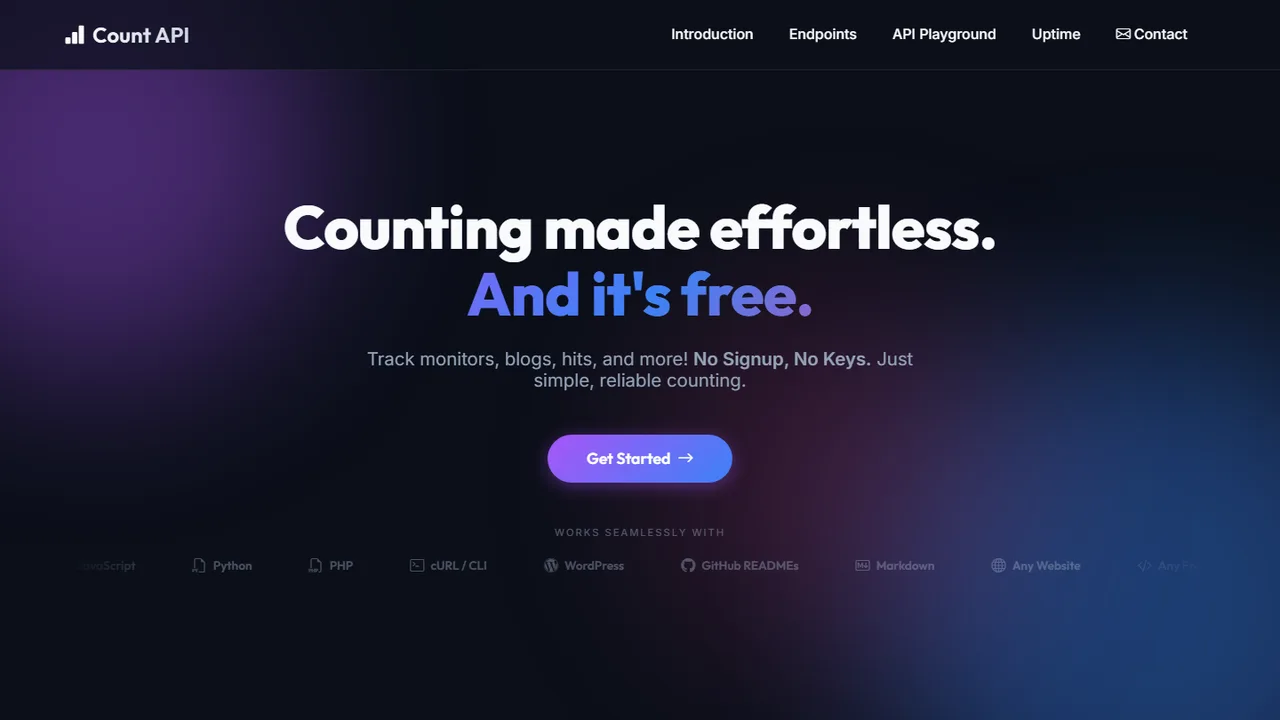
CountAPI
Free, key-based hit counter and view tracking API with zero signup or keys required.
- Official Website: countapi.mileshilliard.com
- Category: Analytics & Privacy
- Type: Counter & View Tracking API
- Pricing / License: Free
Overview
CountAPI (countapi.mileshilliard.com) is a lightweight, open-source counting API designed as a modern, reliable alternative to the classic countapi.xyz. It provides a seamless, zero-friction counting service for developers building static websites, personal portfolios, blogs, and documentation sites.
With CountAPI, you can track page views, button clicks, downloads, or custom metrics without setting up a backend server, configuring a database, signing up for an account, or exposing private API keys in client-side static code.
Key Highlights & Features
- No Signup & No Keys: Completely friction-free. Start counting immediately by choosing a unique key name.
- Simple GET Endpoints: Increment, read, or set counter values with straightforward HTTP requests.
- Tracking Pixel Compatible: Works with or without JavaScript. Embed a hidden
<img>tag to count page hits in strict noscript or markdown environments. - Dynamic SVG Shields: Generate customizable SVG badges showing your count with custom labels, background colors, and flat or plastic styles.
- Ultra-Fast & High Performance: Powered by a Python Uvicorn engine and an in-memory Redis key-value store for minimal latency.
- 100% Free & Open Source: Transparent codebase available on GitHub (syntaxerror019/countapi).
Core API Endpoints
| Endpoint | Method | Description |
|---|---|---|
/api/v1/hit/{key} |
GET |
Increases the counter by +1 and returns the new value. |
/api/v1/get/{key} |
GET |
Retrieves the current value without modifying or incrementing it. |
/api/v1/set/{key}?value={num} |
GET |
Sets the counter to a specific integer value. |
/api/v1/{hit,get}/{key}/shield |
GET |
Generates a live customizable SVG badge for markdown or HTML. |
How It Works with Static Websites
1. Simple JavaScript Hit Counter
Add a counter element to your HTML and increment it on page load:
<p>This page has been viewed <strong id="views-count">--</strong> times.</p>

<script>
  fetch('https://countapi.mileshilliard.com/api/v1/hit/my_unique_site_views')
    .then(response => response.json())
    .then(data => {
      if (data && data.value !== undefined) {
        document.getElementById('views-count').textContent = Number(data.value).toLocaleString();
      }
    })
    .catch(() => {
      document.getElementById('views-count').textContent = '0';
    });
</script>
2. Zero-JavaScript Tracking Pixel
If you want to track page views without running any client-side JavaScript (or within GitHub READMEs and markdown documents), use an invisible image tag:
<img src="https://countapi.mileshilliard.com/api/v1/hit/my_unique_page_key" style="display:none;" alt="" />
3. Dynamic SVG Shield Badge
Embed a styled badge in your static HTML or Markdown:
<!-- Increment on load -->
<img src="https://countapi.mileshilliard.com/api/v1/hit/my_unique_key/shield?text=visits&bgcolor=a855f7&textcolor=ffffff&style=flat" alt="Views" />

<!-- Read-only badge (no increment) -->
<img src="https://countapi.mileshilliard.com/api/v1/get/my_unique_key/shield?text=views&bgcolor=3b82f6&textcolor=ffffff&style=flat" alt="Views" />
When to Use It
- Static blogs, personal landing pages, and documentation sites that need view counts without heavy analytics scripts.
- Open-source project READMEs and GitHub Pages needing live visitor badges.
- Download counters or button click tracking on static promotional sites.
- Jamstack websites where privacy-respecting, numeric-only metrics are needed without cookies or consent banners.
Discussion
Ask questions, share integration tips, or leave feedback.