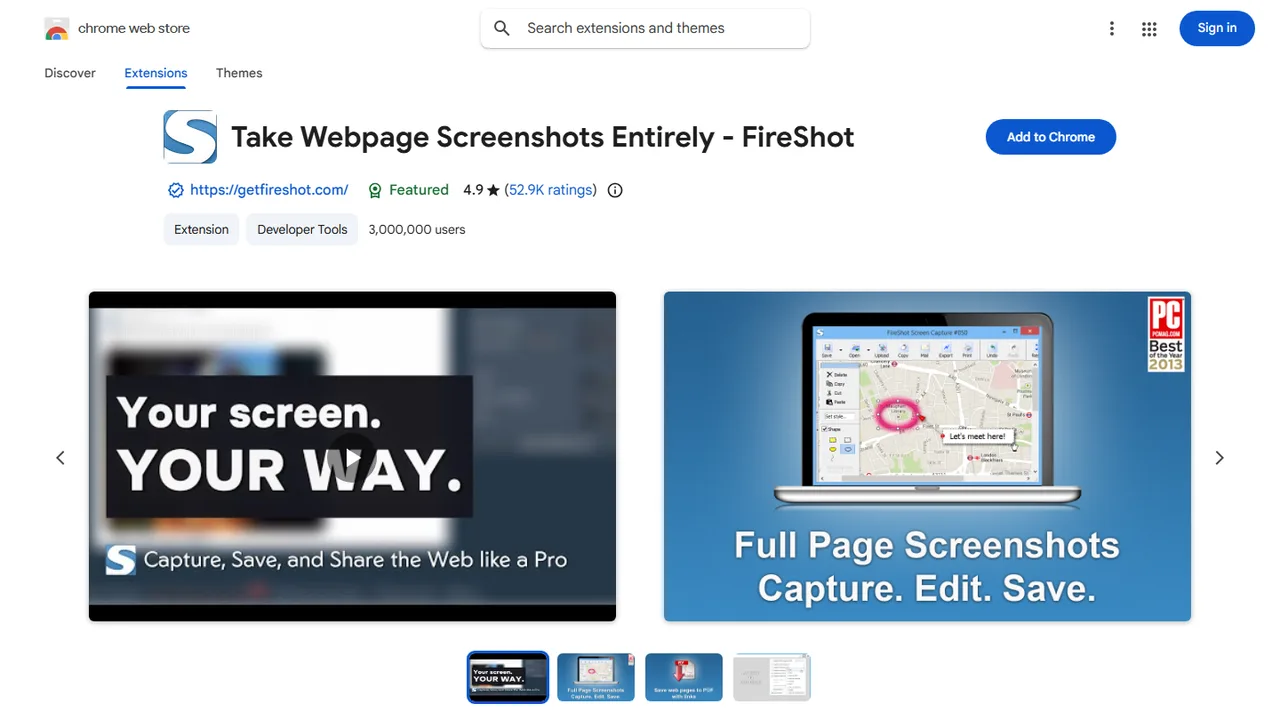
FireShot
Powerful browser extension to capture full-length webpage screenshots, edit annotations, and export directly to PDF, PNG, or JPEG.
- Official Website: Chrome Web Store
- Category: Browser Extensions
- Type: Browser Extension
- Pricing / License: Freemium
Overview
FireShot (Take Webpage Screenshots Entirely) is one of the most popular and versatile browser extensions for capturing web content. It allows developers, designers, and QA testers to effortlessly capture entire scrolling webpages, visible viewport areas, or custom rectangular selections with a single click.
Captured screenshots can be copied directly to the clipboard, printed, or saved locally in multiple formats including searchable multi-page PDF, PNG, JPEG, and GIF. For static website developers and frontend creators, FireShot is an essential productivity utility for creating high-resolution website mockups, archiving live designs, conducting design reviews, and sharing full-page visual documentation with clients or teammates.
Key Highlights & Features
- Full-Page Scrolling Capture: Automatically scrolls and stitches the entire web page into a single crisp, high-resolution screenshot.
- Multiple Capture Modes: Capture entire page, visible area only, or drag to capture a specific custom selection.
- Export to PDF & Images: Save captures directly to multi-page PDF documents, PNG, JPEG, GIF, or copy straight to your clipboard.
- Zero Server Uploads Required: Processes captures locally in your browser for fast performance and maximum privacy.
- Annotation & Editing Tools: Built-in editor to crop, resize, blur sensitive information, and add text or arrow annotations.
- One-Click Export: Save to disk, send via email, or upload directly to cloud destinations.
How It Works with Static Websites
Frontend developers and static site creators can capture full responsive page layouts for client presentations, portfolio showcases, or documentation:
- Navigate to your local static site (e.g.
http://localhost:3000) or production deployment. - Click the FireShot extension icon in your browser toolbar.
- Select "Capture entire page" (
Ctrl+Shift+YorCmd+Shift+Y). - FireShot will smoothly scroll down your page, capture every section, and open a preview window.
- Click "Save as PDF" or "Save as Image" to export your full-page static site design.
When to Use It
- Generating full-height website mockups and portfolio screenshots of static landing pages.
- Archiving versions of static web designs before major redesigns or refactoring.
- Capturing long-form documentation pages or tutorials into clean, shareable PDFs.
- Creating bug reports with visual annotations for frontend layout issues.
Discussion
Ask questions, share integration tips, or leave feedback.