Cursor
AI-first code editor designed for pair programming, multi-file edits, and intelligent codebase chat.
- Official Website: cursor.com
- Category: Development Tools
- Type: AI Code Editor
- Pricing / License: Freemium
Overview
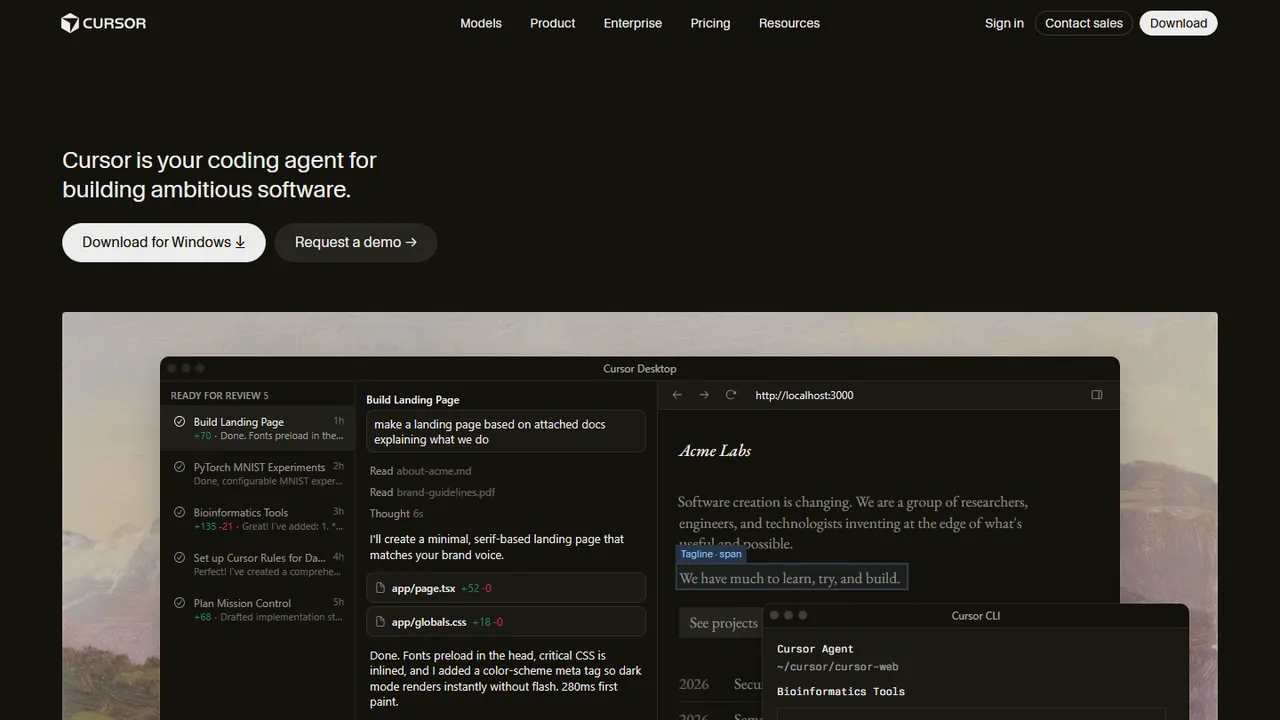
Cursor is an AI-first code editor built as an enhanced fork of Visual Studio Code. It provides natural language editing, multi-line tab completions that predict your next edits, and a powerful multi-file editing canvas called Composer.
Because it is built on VS Code, Cursor supports your existing extensions, themes, and keybindings out of the box while embedding state-of-the-art AI assistance directly into every keystroke.
Key Highlights & Features
- Composer (
Ctrl/Cmd+I): Multi-file agent that generates, creates, and edits multiple HTML, CSS, and JavaScript files in parallel. - Next-Action Tab Completion: Predicts multi-line code additions, function completions, and CSS rules as you type.
- Codebase Indexing: Indexes your entire repository locally so AI chat answers reflect your exact HTML markup and styles.
- VS Code Extension Compatibility: Full access to the VS Code extension marketplace, settings sync, and themes.
How It Works with Static Websites
- Open a static website folder in Cursor.
- Press
Cmd+K(orCtrl+K) inside any HTML or CSS file to make targeted inline modifications. - Open Composer (
Cmd+I) to build an entire new feature across multiple files:"Add a sticky navbar with smooth scrolling to sections and a mobile hamburger menu toggle" - Review the visual diffs across
index.html,style.css, andmain.js, then click Accept All.
When to Use It
- Developers wanting an AI-first code editor that feels familiar to VS Code.
- Scaffolding components that touch multiple static files simultaneously.
- Rapidly iterating on styling and interactive JavaScript with AI completions.
Discussion
Ask questions, share integration tips, or leave feedback.