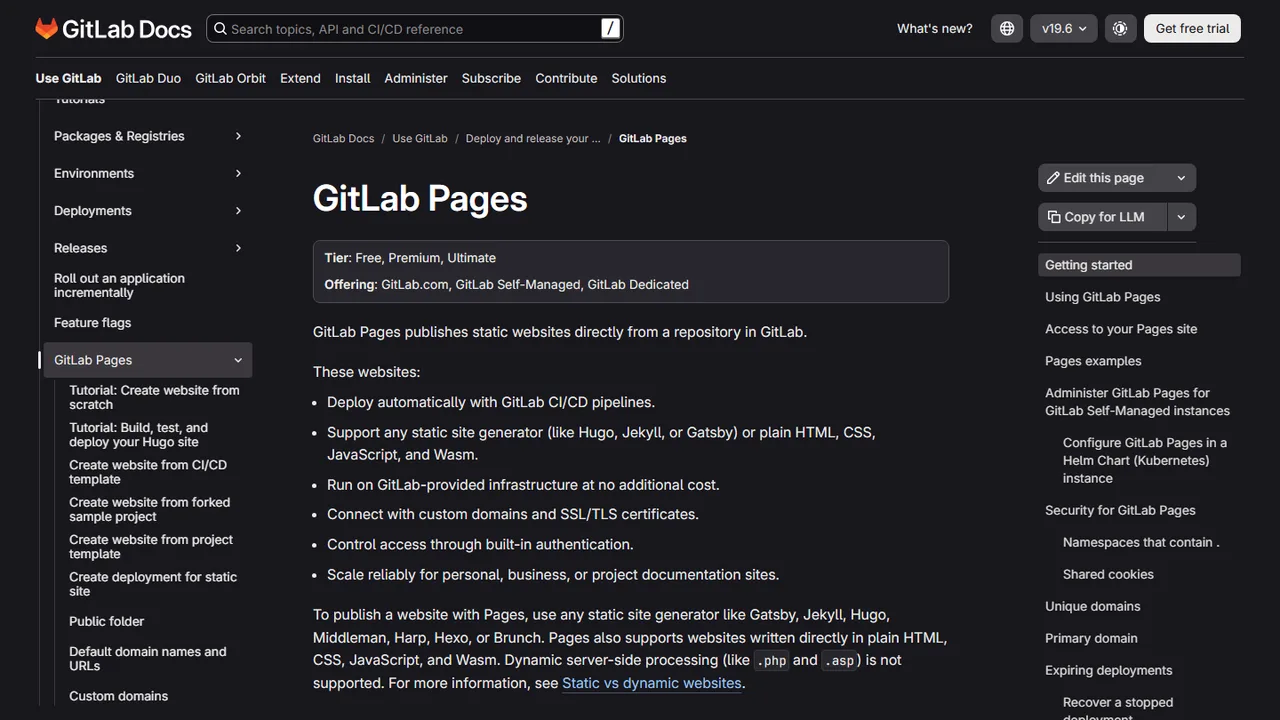
GitLab Pages
Free static website hosting directly from GitLab repositories with custom domains and automated SSL.
- Official Website: about.gitlab.com/stages-devops-lifecycle/pages/
- Category: Hosting & Deployment
- Type: Static Web Hosting & DevOps Platform
- Pricing / License: Free / Open Source
Overview
GitLab Pages is a built-in static site hosting feature available on GitLab.com and self-hosted GitLab instances. It enables developers to host static HTML, CSS, JavaScript files, and static site generator outputs directly from any GitLab repository at zero cost.
GitLab Pages leverages GitLab CI/CD pipelines to build and deploy your site automatically on every push. It supports custom domains, automatic Let's Encrypt SSL/TLS certificates, redirects, custom 404 pages, and unlimited static sites per account.
Key Highlights & Features
- 100% Free Static Hosting: Unlimited static websites and projects on GitLab.com.
- Custom Domains & Free SSL: Seamless custom domain configuration with automatic Let's Encrypt certificate renewal.
- CI/CD Driven Deployments: Complete flexibility to run any build script, linter, or static generator before publishing.
- Access Control & Privacy: Make your static site public or restrict access to GitLab project members.
- Redirects & Clean URLs: Easily configure HTTP redirects and custom routing using a
_redirectsfile.
How It Works with Static Websites
To publish a static site with GitLab Pages, add a .gitlab-ci.yml file to the root of your repository:
pages:
  stage: deploy
  script:
    - mkdir .public
    - cp -r * .public
    - mv .public public
  artifacts:
    paths:
      - public
  rules:
    - if: $CI_COMMIT_BRANCH == $CI_DEFAULT_BRANCH
Any files placed into the public/ directory will be published automatically to https://<username>.gitlab.io/<projectname>.
When to Use It
- Open-source and private repositories hosted on GitLab.
- Projects requiring sophisticated CI/CD pipelines prior to static asset deployment.
- Teams needing password protection or access-controlled static documentation.
Discussion
Ask questions, share integration tips, or leave feedback.