imgmov
AI-powered video and image generation tool that turns product photos and prompts into commercial videos, images, and visual assets for static websites.
- Official Website: imgmov.com
- Category: AI & Content Creation
- Type: AI Image & Video Generator
- Pricing / License: Paid
Overview
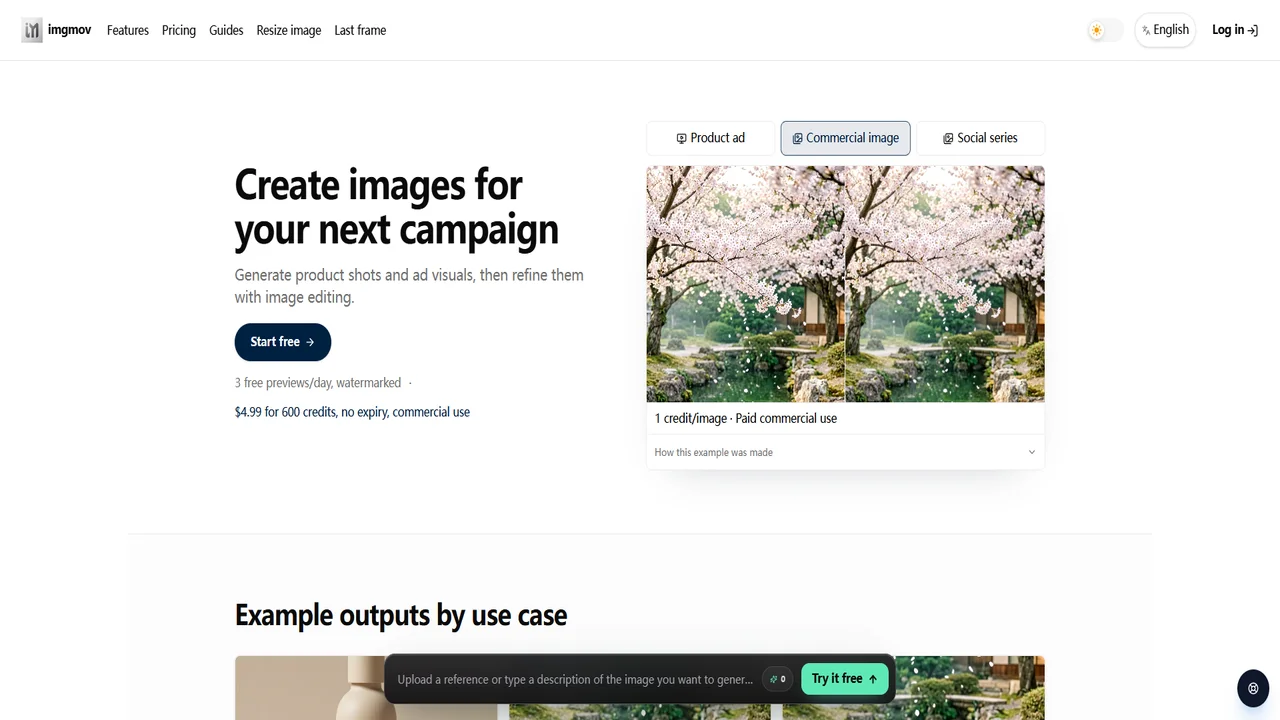
imgmov is an AI multimedia generation platform designed to turn product photos, scripts, and creative prompts into commercial-grade video clips, high-resolution product imagery, and visual assets in seconds.
For static website creators and Jamstack developers, producing high-impact visual media for landing pages, hero banners, product showcases, and portfolio demos often requires expensive camera gear, studio lighting, or dedicated 3D/video editing software. imgmov bridges this gap by enabling developers and indie creators to upload existing product photos and quickly generate dynamic promotional videos and clean product shots that can be exported directly into lightweight WebM, MP4, or WebP formats for seamless static embedding.
Key Highlights & Features
- Product Photo to Video: Transform static product photography into ad-ready motion clips with dynamic lighting, smooth camera movement, and studio backgrounds.
- Text-to-Image & Image-to-Video: Generate photorealistic commercial visuals and animate static illustrations into short looping video assets.
- Developer API & Webhooks: Programmatically trigger video and image generation workflows via REST API for dynamic static site generation or Jamstack build steps.
- Export-Ready Formats: Easily export optimized MP4 and WebP assets ready for zero-latency static hosting or CDN delivery.
- Freemium Tier: Free daily preview generations with flexible credit packs available for watermark-free commercial use.
Example Usage with Static Websites
1. Embedding Generated Product Video in Static HTML
Export an ad clip from imgmov and drop it into a lightweight, autoplaying HTML5 background hero or product showcase:
<div class="product-hero">
  <video
    autoplay
    muted
    loop
    playsinline
    preload="metadata"
    poster="assets/video/product-poster.webp"
    width="800"
    height="450">
    <source src="assets/video/product-demo.mp4" type="video/mp4">
    Your browser does not support HTML5 video.
  </video>
</div>
2. Automating Asset Ingestion during Static Build
Use the imgmov REST API in your static site generator build pipeline (e.g., Astro, Eleventy, or custom Node.js script) to fetch generated marketing assets:
// scripts/fetch-assets.js
const response = await fetch('https://api.imgmov.com/v1/generations/latest', {
  headers: {
    'Authorization': `Bearer ${process.env.IMGMOV_API_KEY}`
  }
});
const data = await response.json();
// Download and store media files locally in your static assets directory
When to Use It
- Generating engaging video clips and promotional animations for static e-commerce and SaaS landing pages.
- Creating crisp product hero banners and social share assets without photoshoots or studio setups.
- Transforming flat static product photography into interactive motion showcases.
- Enhancing static blogs and documentation with step-by-step visual storyboards and animations.
Discussion
Ask questions, share integration tips, or leave feedback.