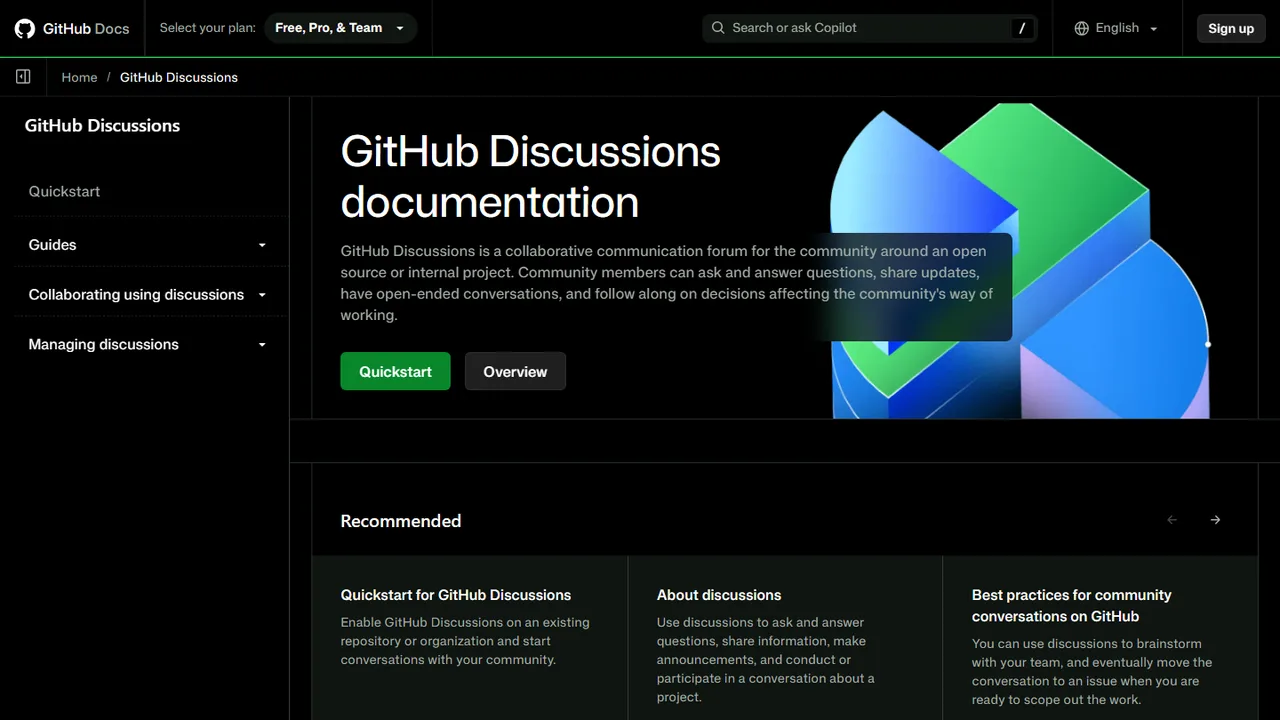
GitHub Discussions
Collaborative community discussion forum and Q&A platform built natively into GitHub.
- Official Website: docs.github.com
- Category: Comments & Community
- Type: Hosted Community & Discussion Forum
- Pricing / License: Free
Overview
GitHub Discussions is a collaborative communication forum hosted natively within GitHub repositories and organizations. It provides a dedicated space for community members and maintainers to ask questions, share announcements, discuss feature ideas, and run polls without cluttering GitHub Issues or pull requests.
For static websites and documentation projects, GitHub Discussions acts as a powerful, zero-maintenance discussion backend. Because GitHub provides a rich GraphQL API, static websites can either link directly to discussion categories or embed interactive discussion threads directly into static pages using client-side tools like Giscus.
Key Highlights & Features
- Free & Hosted: Built directly into GitHub with zero hosting fees, server maintenance, or database setup.
- Q&A Format with Answer Upvoting: Community members can ask questions and mark the most helpful response as the accepted answer.
- GraphQL API Support: Query threads, submit comments, and fetch reactions programmatically from static web applications.
- Comment Widget Integration: Powers static comment widgets like Giscus to provide clean, tracker-free blog commenting.
- GitHub Flavored Markdown: Full support for syntax-highlighted code snippets, checklists, tables, and emoji reactions.
- Built-in Moderation & Access Control: Robust spam filtering, user blocking, lockable threads, and customizable permissions.
How It Works with Static Websites
1. Direct Community Discussion Links
Add direct links from your static site navigation or documentation headers pointing to your repository's Discussions boards:
<a href="https://github.com/YOUR_ORG/YOUR_REPO/discussions" target="_blank" rel="noopener noreferrer" class="btn">
  Join the Community Forum →
</a>
2. Embed Discussions as Comments via Giscus
Use Giscus to embed GitHub Discussions directly onto your static blog posts or documentation articles:
<div class="giscus"></div>

<script src="https://giscus.app/client.js"
        data-repo="your-username/your-repo"
        data-repo-id="R_kgDO..."
        data-category="Announcements"
        data-category-id="DIC_kwDO..."
        data-mapping="pathname"
        data-strict="0"
        data-reactions-enabled="1"
        data-emit-metadata="0"
        data-input-position="bottom"
        data-theme="light"
        data-lang="en"
        crossorigin="anonymous"
        async>
</script>
When to Use It
- Open-source projects, developer tools, and technical documentation websites.
- Blogs and documentation where readers and contributors already possess GitHub accounts.
- Site owners who want full forum and Q&A functionality with zero server overhead and robust GitHub-grade spam filtering.
Discussion
Ask questions, share integration tips, or leave feedback.