Pico CSS
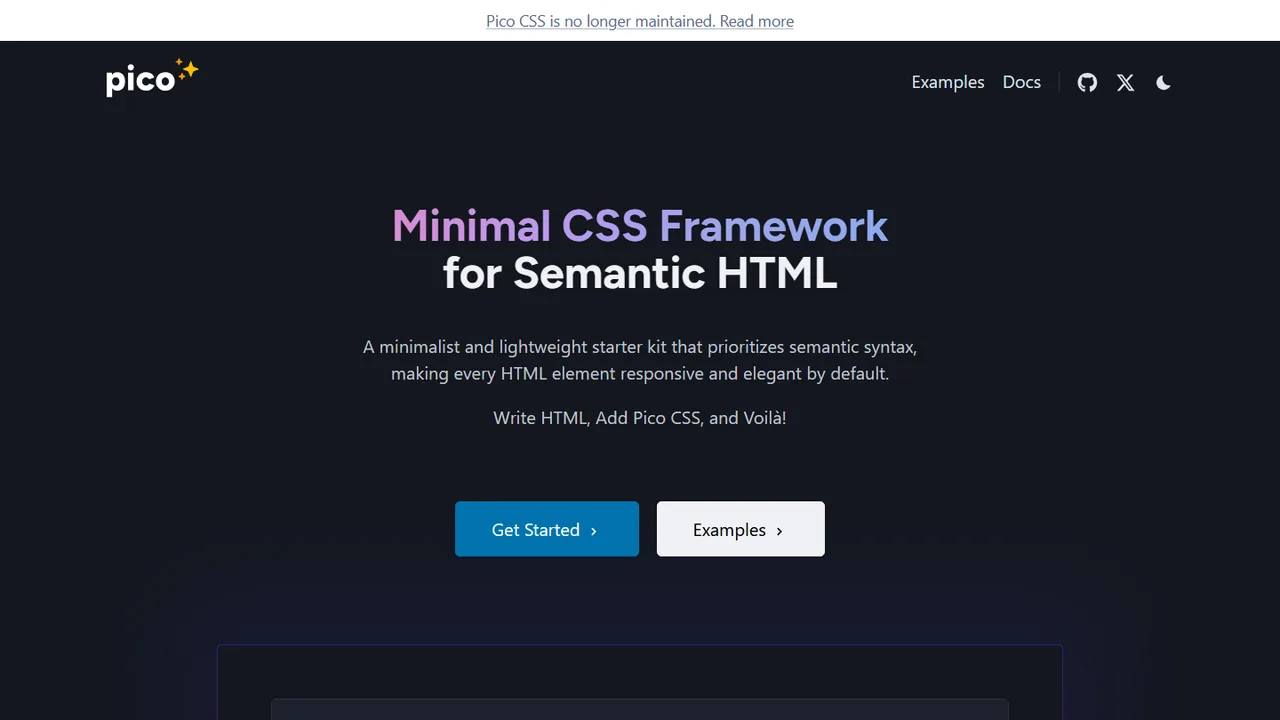
Minimal and semantic classless CSS framework that styles pure HTML automatically.
- Official Website: picocss.com
- Category: CSS & UI Component Libraries
- Type: Classless / Minimal CSS Framework
- Pricing / License: Open Source (MIT)
Overview
Pico CSS is a minimal, elegant CSS framework that styles standard semantic HTML elements automatically without requiring thousands of custom utility classes.
Just link the CSS stylesheet in your <head>, write standard HTML tags (headings, tables, forms, buttons), and Pico renders a responsive, accessible layout with built-in dark and light theme switching.
Key Highlights & Features
- Semantic HTML Styling: Styles elements (
<button>,<input>,<table>) without custom classes. - Built-in Dark Mode: Automatically adapts to system color scheme preferences with zero JS.
- Under 10 KB: Lightweight footprint for blazingly fast page rendering.
- Accessible by Default: Designed with high-contrast text and WCAG standards in mind.
How It Works with Static Websites
Link Pico CSS via CDN in your HTML document:
<!DOCTYPE html>
<html lang="en">
<head>
  <meta charset="utf-8">
  <meta name="viewport" content="width=device-width, initial-scale=1">
  <link rel="stylesheet" href="https://cdn.jsdelivr.net/npm/@picocss/pico@2/css/pico.min.css">
  <title>Static Page</title>
</head>
<body>
  <main class="container">
    <h1>Welcome to My Site</h1>
    <p>Pico styles HTML forms and buttons automatically:</p>
    <form>
      <input type="text" placeholder="Your name">
      <button type="submit">Submit</button>
    </form>
  </main>
</body>
</html>
When to Use It
- Static documentation, portfolios, blogs, and landing pages with clean typography.
- Developers who prefer writing semantic HTML over endless utility class strings.
- Fast prototypes and MVPs where styling speed is a top priority.
Discussion
Ask questions, share integration tips, or leave feedback.