sitereal
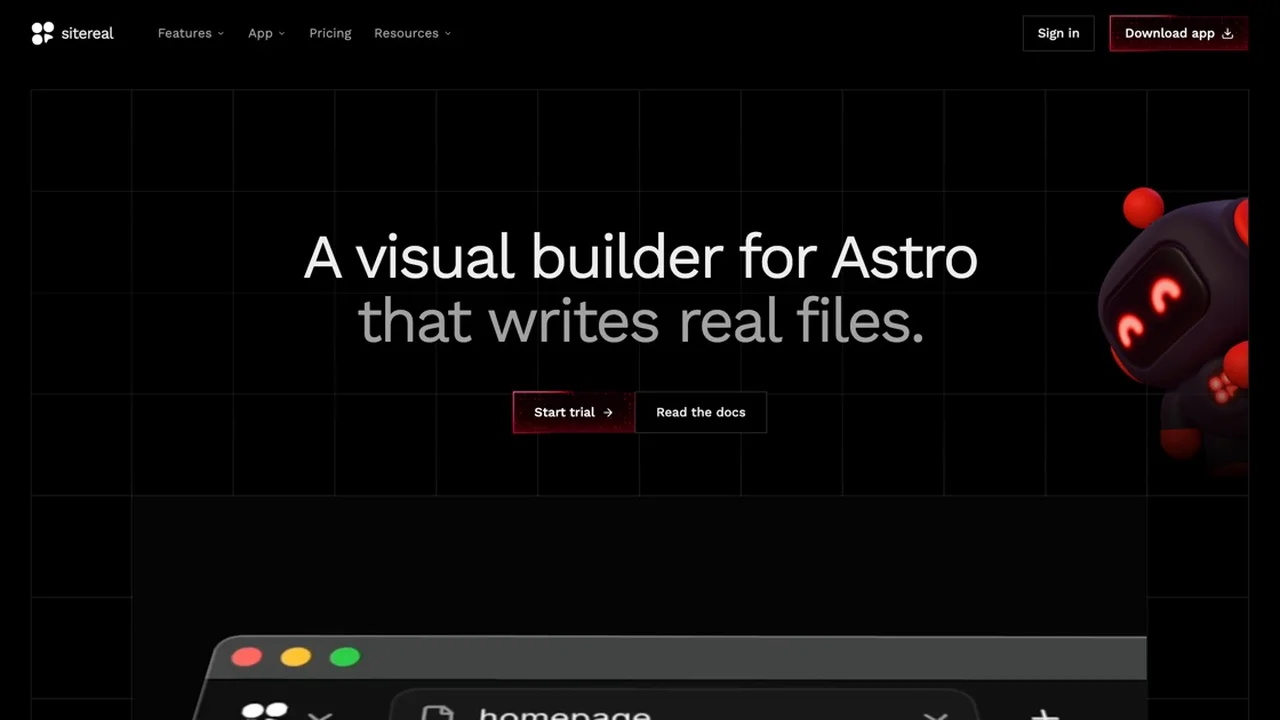
Visual builder for Astro that writes real .astro files into your repository with full code access and zero vendor lock-in.
- Official Website: sitereal.app
- Category: Development Tools
- Type: Visual Website Builder & Desktop Editor for Astro
- Pricing / License: Paid
- Platform: macOS, Windows, Linux
Overview
sitereal is a native desktop visual builder for Astro that brings together the convenience of visual design with the power of modern Jamstack development. It allows designers and developers to compose responsive pages on an interactive canvas that directly writes clean, native .astro components and content files straight into your repository.
Unlike closed website builders or proprietary platforms that hide your markup behind proprietary databases or cloud lock-in, sitereal treats visual editing and hand-editing as two synchronized views of the exact same codebase. You keep 100% code access and can open, edit, and build your project using your favorite code editor (like VS Code, Cursor, or Zed) at any time.
Key Highlights & Features
- Direct
.astroCode Generation: Composes layouts on a visual canvas and writes real Astro components (src/pages/*.astro,src/components/*.astro), CSS stylesheets, and content files directly into your repository. - Zero Lock-In & Universal Hosting: Your project is an ordinary Astro codebase that compiles to blazing-fast static HTML, CSS, and JavaScript. Deploy anywhere, including Cloudflare Pages, Vercel, Netlify, GitHub Pages, or any web host.
- Synchronized Visual & Code Editing: Edit visually on the canvas or hand-edit files in your code editor—sitereal rewrites only generated files on save, leaving custom pages, components, and scripts untouched.
- Comprehensive Design System & Tokens: Includes 18 modular token packs covering typography, colors, spacing, and layouts that can be customized or selectively disabled.
- AI Agents & Model Context Protocol (MCP): Features a built-in MCP server that allows AI coding agents like Claude Code to inspect the canvas, create components, and build pages programmatically.
- Content Collections & Headless CMS: Built-in support for Astro content collections, Markdown/MDX, and headless backends such as WordPress or EmDash.
- Built-in Motion & Interactions: Add entrance reveals, micro-animations, and scroll-linked effects with declarative HTML attributes.
- Cross-Platform Desktop Application: Native desktop app for macOS, Windows, and Linux with a local engine running per-project and offline support.
How It Works with Static Websites
1. Point to Any Astro Project
Launch the sitereal desktop app and select a new or existing Astro directory. sitereal detects your configuration and loads your components onto the visual canvas.
2. Design Visually on Canvas
Add elements, adjust responsive breakpoints simultaneously, fine-tune design system tokens, and configure content collections with visual forms and previews.
3. Edit Code Freely
Switch to your code editor whenever you want to write custom JavaScript, add third-party integrations, or build complex logic. Your files stay standard .astro and markdown files.
4. Build and Deploy
Trigger your usual Astro build command (astro build or npm run build) to generate static HTML, CSS, and optimized JavaScript ready for zero-backend static hosting.
When to Use It
- Developers & Agencies: Who want the rapid layout speed of a visual builder while preserving full control over git commits, code structure, and client deliverables.
- Astro Static Sites: Teams building marketing sites, documentation, portfolios, and blogs with Astro that need visual editing for designers or clients.
- AI-Assisted Workflows: Teams leveraging Claude Code and MCP to generate and iterate on components visually and programmatically.
- Zero Vendor Lock-In: Creators who want to own their source code completely without monthly SaaS lock-in or proprietary runtimes.
Discussion
Ask questions, share integration tips, or leave feedback.