
Jekyll
Battle-tested Ruby static site generator that transforms plain Markdown and Liquid templates into static websites and powers GitHub Pages natively.
- Official Website: jekyllrb.com
- Category: Static Site Generators
- Type: Blog-Aware Static Site Generator (Ruby)
- Pricing / License: Open Source (MIT)
Overview
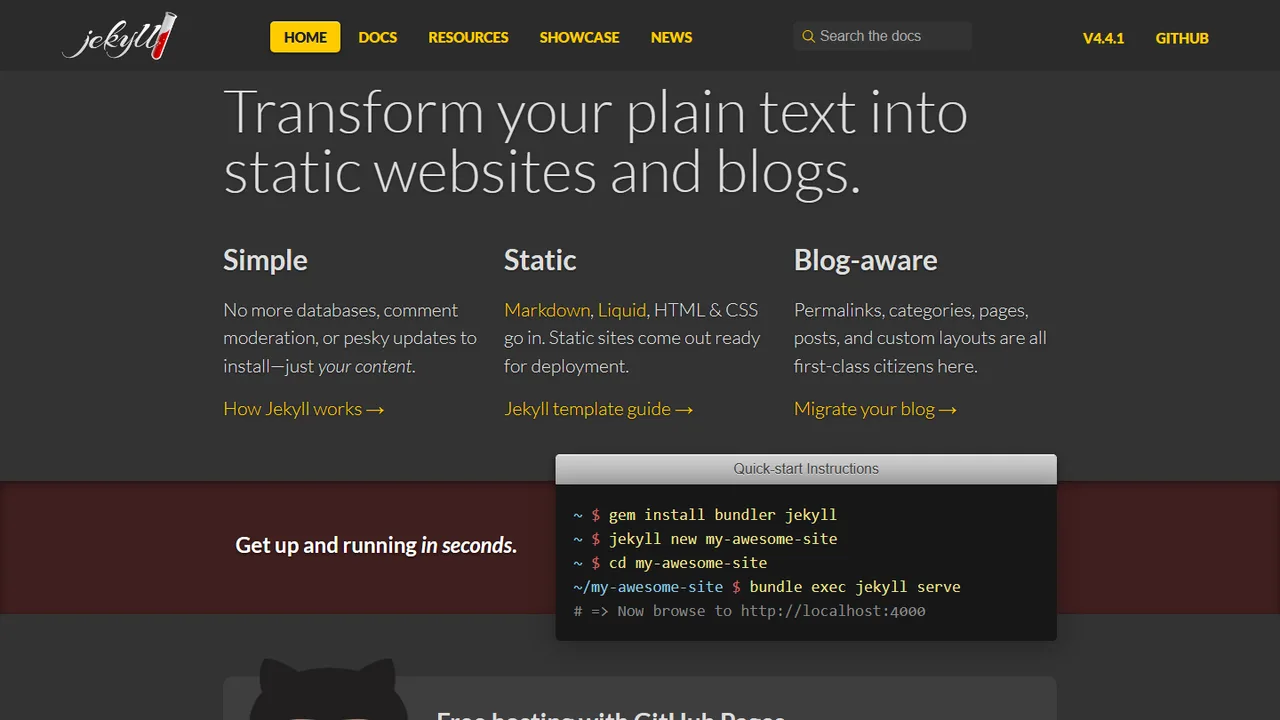
Jekyll is one of the pioneering static site generators that popularized the modern Jamstack movement. Written in Ruby, Jekyll takes plain text written in Markdown or HTML, runs it through Liquid templates and layouts, and produces a complete, ready-to-publish static website.
Because Jekyll is natively integrated into GitHub Pages, you can push Markdown files directly to a GitHub repository and have your static website built and hosted automatically at zero cost.
Key Highlights & Features
- Blog-Aware by Default: First-class support for permalinks, categories, tags, drafts, pages, and date-based Markdown posts out of the box.
- Native GitHub Pages Integration: Push source files to GitHub and deploy automatically without configuring external CI pipelines.
- Liquid Templating & Front Matter: Combine YAML front matter with clean Liquid templates, partials (
_includes), and data files (_data). - Mature Theme & Plugin Ecosystem: Hundreds of free open-source themes and plugins for SEO tags, sitemaps, Atom/RSS feeds, and pagination.
How It Works with Static Websites
Install and build a static site with Jekyll:
# Install Jekyll and Bundler gems
gem install jekyll bundler

# Create a new Jekyll site
jekyll new my-static-site
cd my-static-site

# Preview locally with live reload
bundle exec jekyll serve

# Generate production static files in _site/
bundle exec jekyll build
Example Markdown post (_posts/2026-01-01-welcome.md):
---
layout: post
title: "Welcome to Jekyll!"
date: 2026-01-01 10:00:00 -0000
categories: updates
---

Write your content in clean **Markdown** and Jekyll compiles it to static HTML.
When to Use It
- Personal blogs, project documentation, and open-source project landing pages hosted on GitHub Pages.
- Writers and developers who want a straightforward, convention-over-configuration Markdown publishing workflow.
- Long-lived static websites that value stability and readable Liquid templates over complex JavaScript toolchains.
Discussion
Ask questions, share integration tips, or leave feedback.